Three Fields. Your Cloudflare D1 Database, Live in MyD1.

MyD1 was built for exactly one database: Cloudflare D1. The connection flow reflects that — it asks only for what it needs, nothing more.
What the setup actually looks like
Open MyD1, click New Connection, and you see three fields:
Account ID
The 32-char string in the right sidebar of any Cloudflare zone, or in the URL of your Workers & Pages page. MyD1 autocompletes it from previously used connections.
API Token
A Cloudflare custom token with D1 Edit or Read permissions. Paste it or hit the clipboard button — MyD1 masks it immediately. Need one? The "Need a token?" link opens a built-in walkthrough.
Database ID (optional)
Leave it empty — MyD1 fetches all databases under your account automatically. Or paste a specific Database ID to connect directly.
That's it. Click Connect and you're in.

Creating your API token (2 minutes)
If you don't have a Cloudflare API token yet, here's the fastest path:
- Go to dash.cloudflare.com/profile/api-tokens
- Click Create Token → scroll to Custom token → Get started
- In the permissions row, search for d1 — pick D1 from the dropdown
- Choose Edit (read + write) or Read
- Continue to summary → Create Token — copy it immediately (shown once)
What you get once connected
MyD1 fetches your schema immediately. From there:
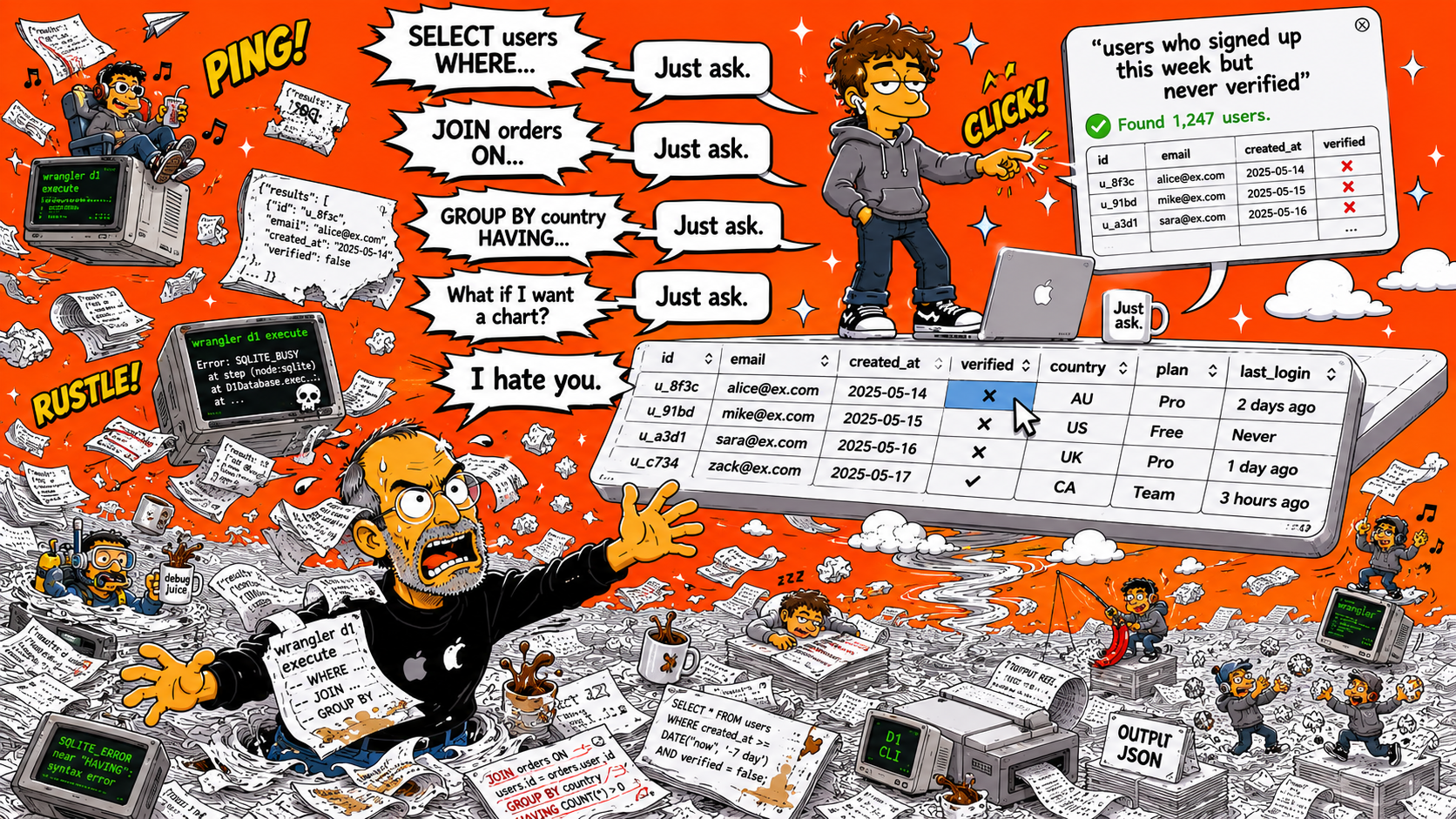
- Browse any table in a sortable, filterable grid — click any cell to edit inline
- Run SQL in the editor with syntax highlighting, query history, and multi-statement support
- Export rows as CSV, TSV, or SQL — useful for backups or sending data to a teammate
- Right-click a table for ALTER TABLE shortcuts: add column, rename, drop, and more
Your credentials stay local
Your API token is stored in your macOS Keychain — never sent anywhere except directly to api.cloudflare.com. MyD1 has no backend server of its own. The connection you configure goes straight to Cloudflare.
The security banner in the connection form shows which Cloudflare account your token is scoped to, so you can confirm before connecting — especially handy if you manage multiple accounts.
Already have a D1 database?
Then you're 60 seconds away from browsing it visually. If you're still setting up your first Cloudflare D1 database, our visual getting-started guide walks you through creating one — no terminal required.
Download MyD1 — it's free
No account required. Connect your first Cloudflare D1 database in under a minute.
Download MyD1 — Free