Why Cloudflare D1 Needs a Real Desktop Client
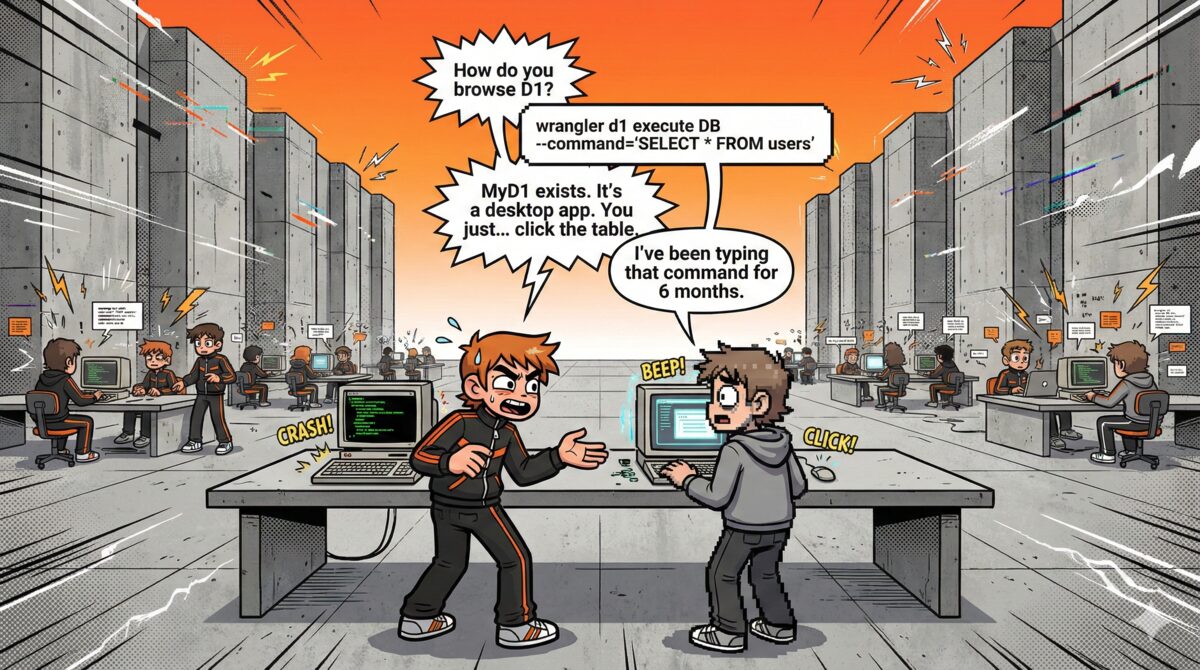
Let's be honest: wrangler d1 execute works. You can run queries, create tables, seed data. It does the job.
It's just not how you want to spend your day.
Cloudflare D1 deserves a real desktop client — one that launches instantly, browses tables visually, and lets an AI agent write your SQL.
TL;DR — Why Cloudflare D1 needs a desktop client
| Problem | The CLI is tedious, the dashboard is slow, and traditional DB clients can't connect to Cloudflare D1 at all. |
| Why | Cloudflare D1 is REST-API-only — no TCP socket, no wire protocol. TablePlus, DBeaver, and DataGrip simply don't work. |
| Solution | MyD1 — a native macOS client (50 MB, pure Swift) with a visual table browser, query editor, and built-in AI Agent. |
| Price | Free to download. Pro is a one-time purchase — no subscription. |
The terminal is fine — until it isn't
For a quick one-off query, the CLI is great. But the moment you need to:
- Browse a table with 50 columns to understand its shape
- Edit a row without writing a full UPDATE statement
- Compare schema across two databases
- Run exploratory queries while looking at the data
You're fighting the tool instead of doing your work. You're piping output through jq, scrolling through walls of JSON, and copy-pasting column names you've already forgotten.
The Cloudflare dashboard is slow
The D1 tab in the Cloudflare dashboard exists. It lets you run queries and see tables. But it's a web app — it loads slowly, the query editor is basic, and there's no table browser worth the name. You can't sort columns, filter rows, or edit data inline. Every action requires a round trip.
For a database that's supposed to be fast at the edge, the management experience feels stuck in the middle.
TablePlus doesn't speak D1
If you've used MySQL or PostgreSQL, you probably love TablePlus. It's a great tool. But it connects over native database protocols — TCP sockets, wire protocols, direct connections.
Cloudflare D1 doesn't work that way. D1 is only accessible through its REST API. There's no TCP port to connect to, no socket to open. TablePlus simply can't connect to D1. Neither can DBeaver, DataGrip, Sequel Pro, or any other traditional database client.
DBeaver runs on a JVM
Even if DBeaver could connect to D1 (it can't), you'd be running a Java application that consumes 500MB+ of RAM just to idle. On a MacBook, that's the difference between your fans staying quiet and your battery draining in three hours.
There's something wrong with using a heavyweight Java app to manage a lightweight SQLite database at the edge.
None of them have AI
Here's what none of these tools offer: an AI assistant that reads your actual schema and writes SQL for you.
Not a generic chatbot. An assistant that knows every table, every column, every type, every foreign key in your database — and uses that context to generate correct, runnable queries from plain English.
"Show me last week's signups grouped by country" → instant JOIN with the right tables, the right columns, the right date filter. No Stack Overflow. No schema lookups. No syntax guessing.
MyD1's AI Agent goes further: it helps you write advanced queries in plain English, suggests indexes for slow queries, and surfaces insights you might have missed — all without leaving the app.
What D1 actually needs
D1 needs a native desktop client that:
- Connects via the REST API — because that's the only way to reach D1
- Launches instantly — not a 10-second JVM startup or a browser tab
- Browses tables visually — sortable grids, inline editing, schema inspection
- Runs queries with a real editor — syntax highlighting, auto-complete, history
- Uses AI to write SQL — schema-aware, conversational, actually useful
- Also handles MySQL, PostgreSQL, and SQLite — because most teams use more than one database
That's why we built MyD1.
50MB, pure Swift, zero dependencies
MyD1 is a native macOS app built entirely in SwiftUI. No Electron. No JVM. No web wrappers. It uses less than 50MB of memory, launches in under a second, and respects your Mac.
MySQL and PostgreSQL connections are implemented with pure Swift wire protocols — no ODBC, no JDBC. D1 connects through a native REST API adapter. SQLite opens local database files directly. All four engines share the same query editor, table browser, and AI assistant.
Try it
Download MyD1 for free and connect to your first D1 database in 30 seconds. The AI assistant is free for all users. Pro adds analytics dashboard, advanced tools, and more for a one-time purchase — no subscription.