Engineering & Insights
Deep dives into Cloudflare D1, database tooling, and building production-grade apps on the edge.
The Best Databases of 2026 Have the Worst Tooling
MySQL has TablePlus. PostgreSQL has pgAdmin. SQLite and Cloudflare D1 have almost nothing. Here is the tooling gap no one fixed — and why we built MyD1.

Three Fields. Your Cloudflare D1 Database, Live in MyD1.
Account ID, API token, connect. No terminal, no Wrangler, no config file. Here is how to set up Cloudflare D1 in MyD1 in under a minute.
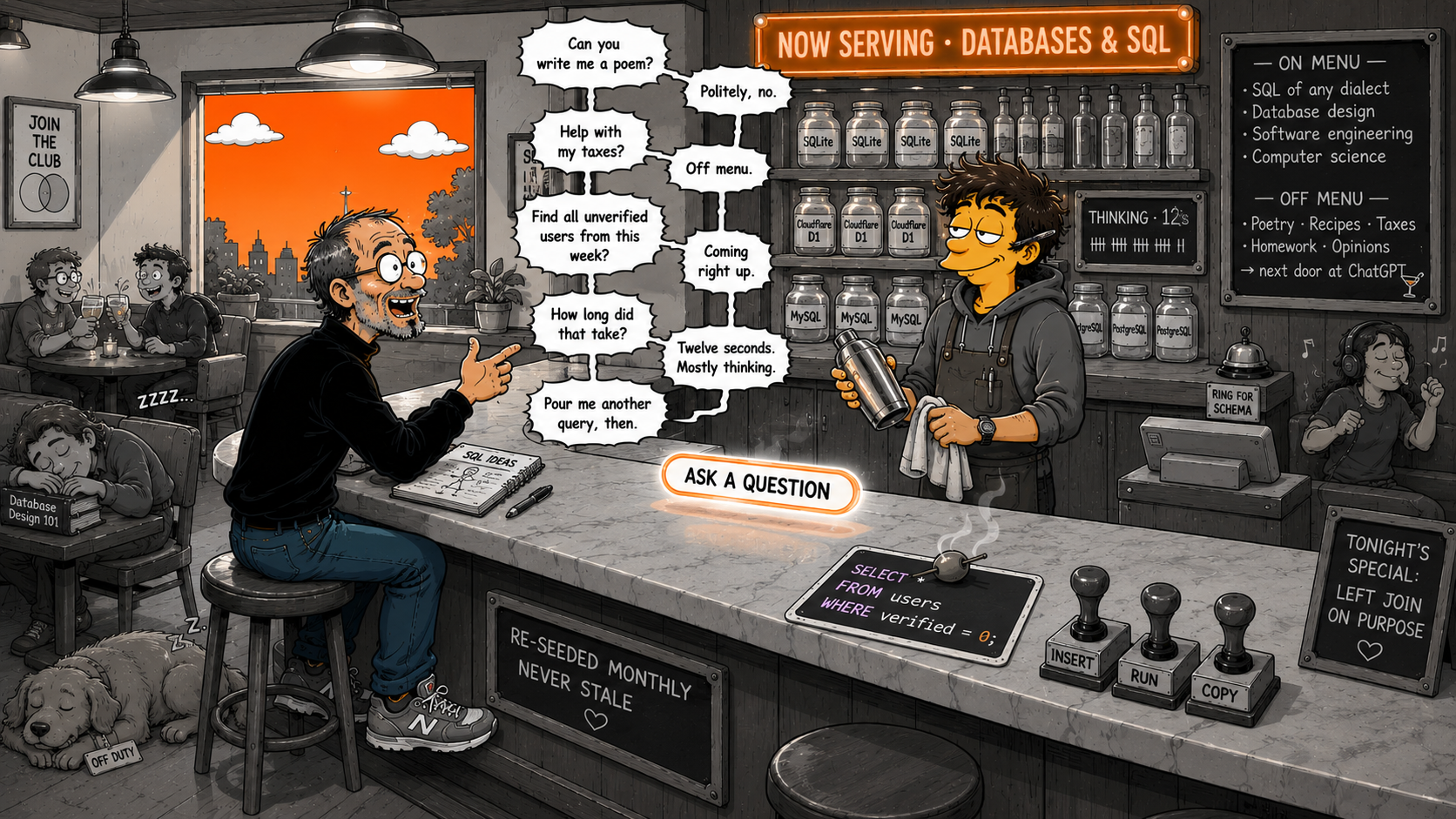
SQLAgent 2.11.09 — Meet the Agent
The AI Assistant grew up. One persistent Agent panel on every page, a typed reasoning pipeline with a collapsible Thinking pill, syntax-highlighted SQL bubbles with Insert / Run / Copy, and strict guardrails that keep it focused on databases.

Migrate from AWS EC2 to Cloudflare Workers in 2026
Step-by-step guide to migrate your web app from EC2, RDS, and S3 to Cloudflare Workers, D1, and R2 — with code examples and zero downtime.
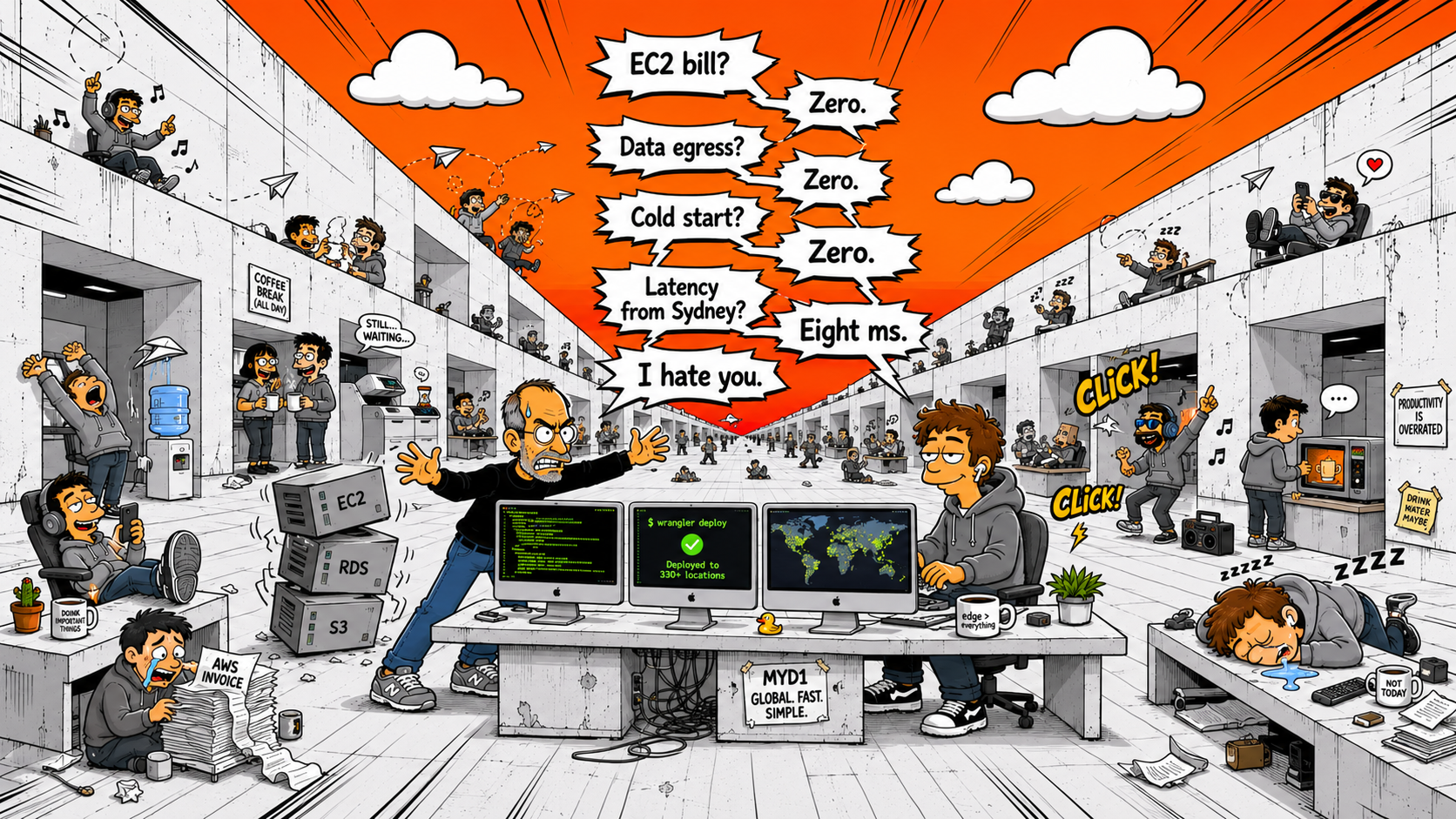
AWS EC2 vs Cloudflare Workers Stack in 2026
AWS EC2 vs the Cloudflare Workers stack (Workers, D1, R2, Pages) compared on cost, latency, DX, and scaling — with sourced benchmarks.

Why AWS Is So Slow (And What to Use Instead)
Cut AWS latency by moving to edge computing. Learn why cold starts, regional servers, and egress fees slow your app — and how Cloudflare Workers fixes it.

D1 Launched Without a Client. We Built One.
Cloudflare D1 is one of the most interesting databases shipped in years. It launched without a single desktop client. Here is the story of why — and what we did about it.

I Spent 20 Years on PHP/MySQL. Then My Stack Broke.
A founder story: two decades of PHP, Adminer as the backbone of every project, and the day the stack changed and left every existing tool behind.
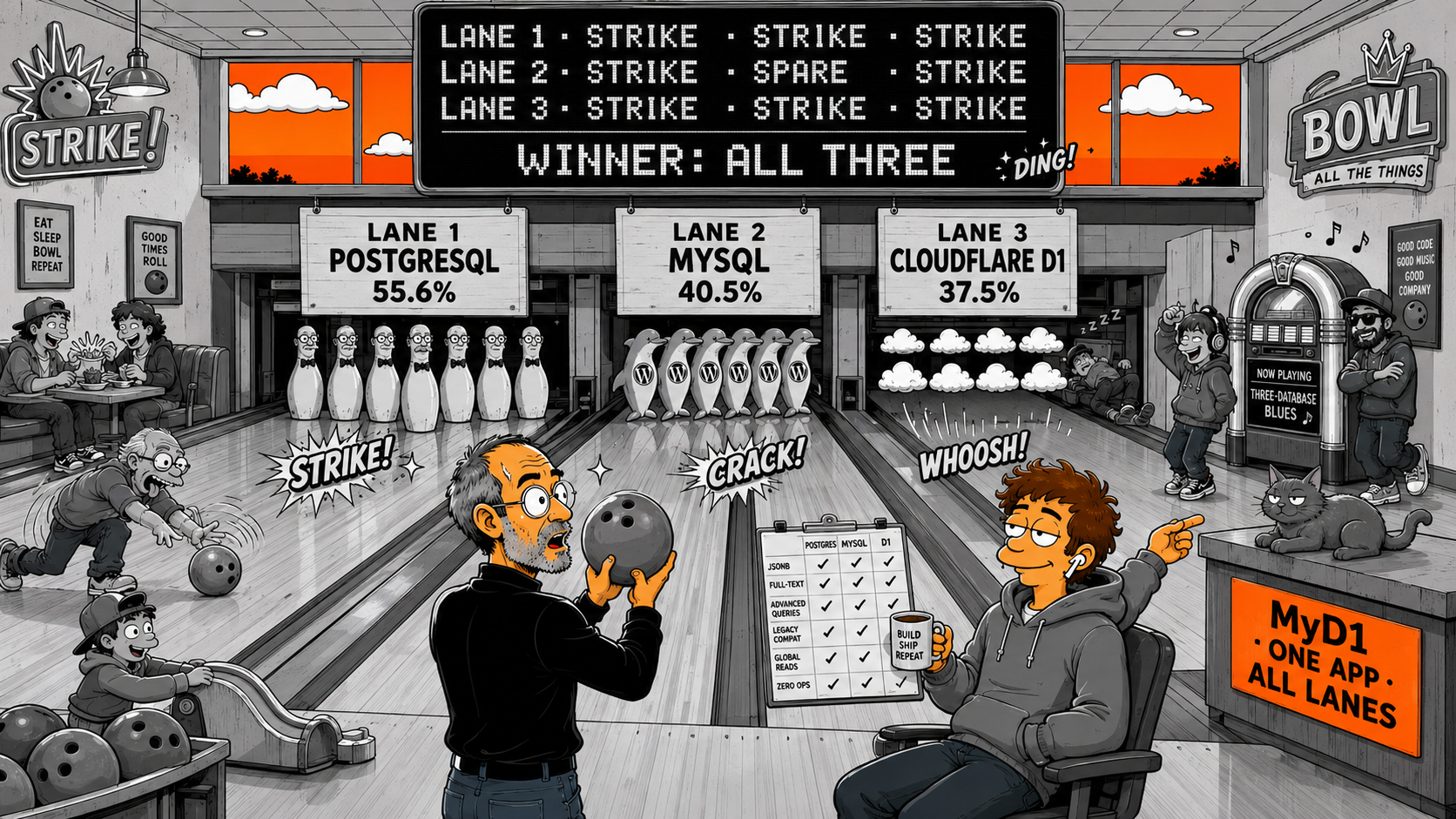
Cloudflare D1 vs MySQL vs PostgreSQL: Which Should You Use in 2026?
A practical comparison of Cloudflare D1, MySQL, and PostgreSQL — when to use each, their strengths, and how to manage all four (plus SQLite) from one app.
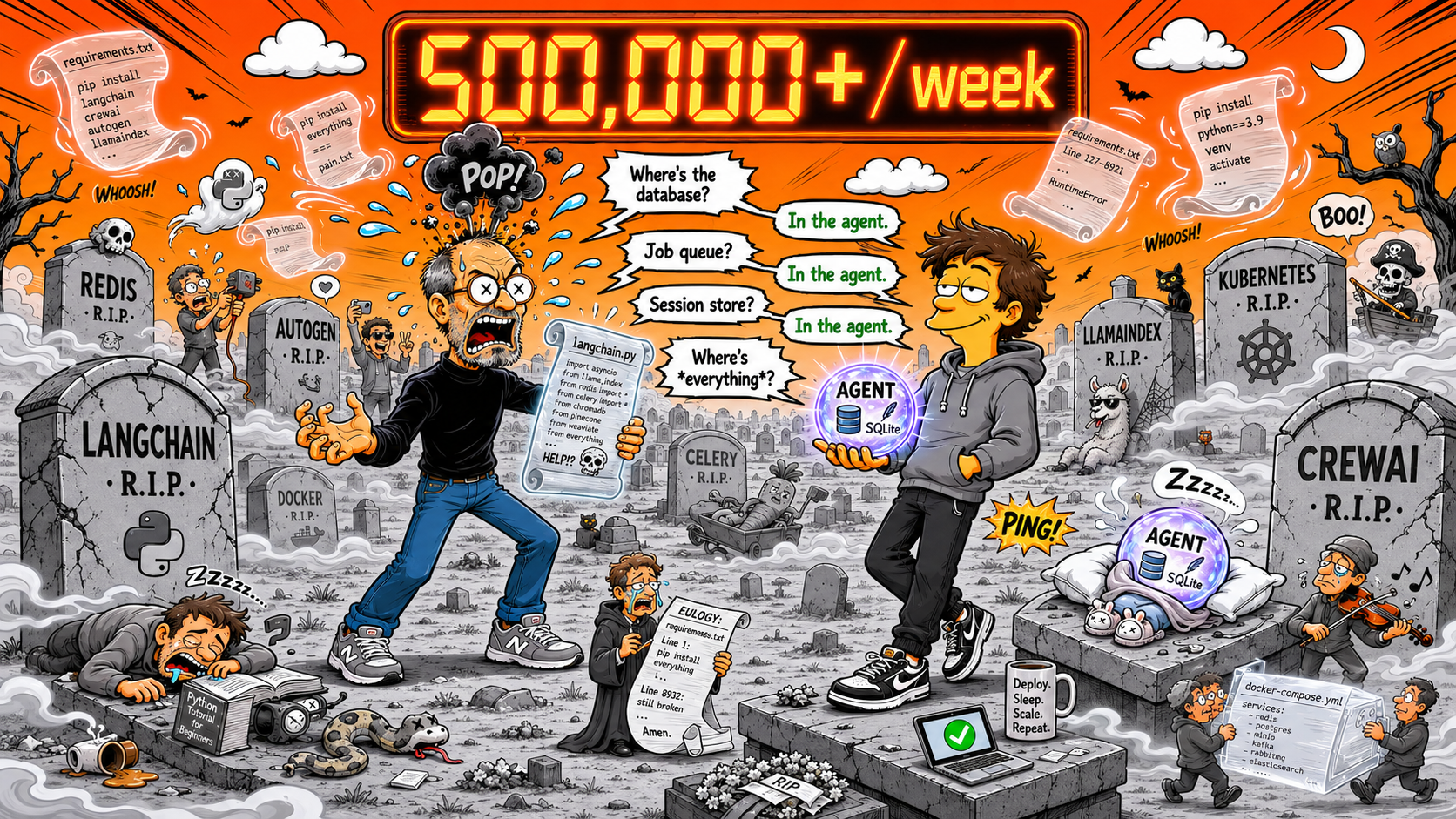
Cloudflare Agents SDK Hits 500K Weekly Downloads
The Agents SDK gives you stateful AI agents on Cloudflare Workers with zero cold starts, persistent SQLite, and resumable streaming. Here is why 500K developers chose it.
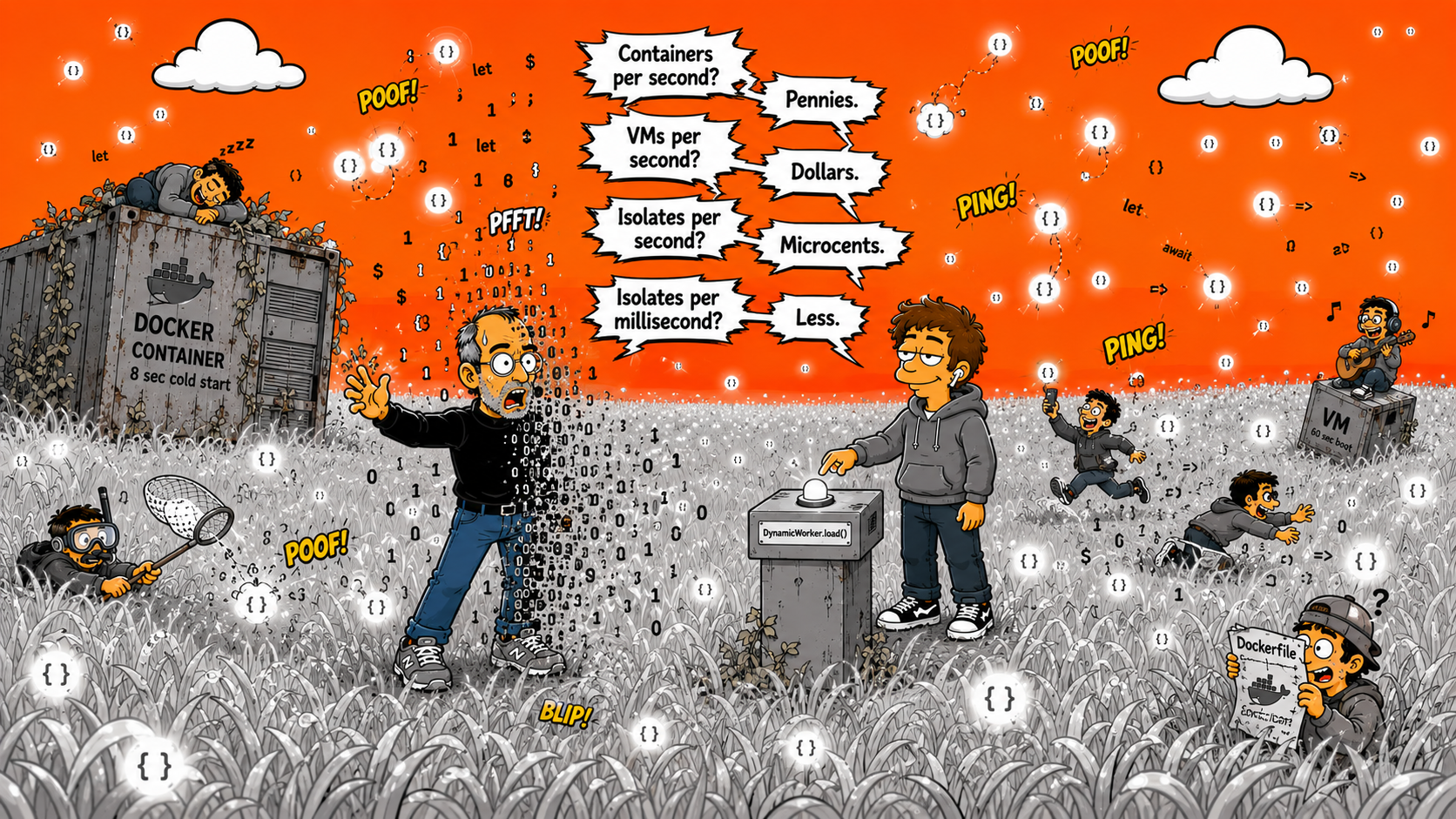
Cloudflare Dynamic Workers: V8 Isolates Spun Up at Runtime
Dynamic Workers let you create V8 isolates at runtime — 100x faster than containers, millisecond cold starts, and a new Code Mode that cuts LLM tokens by 81%.
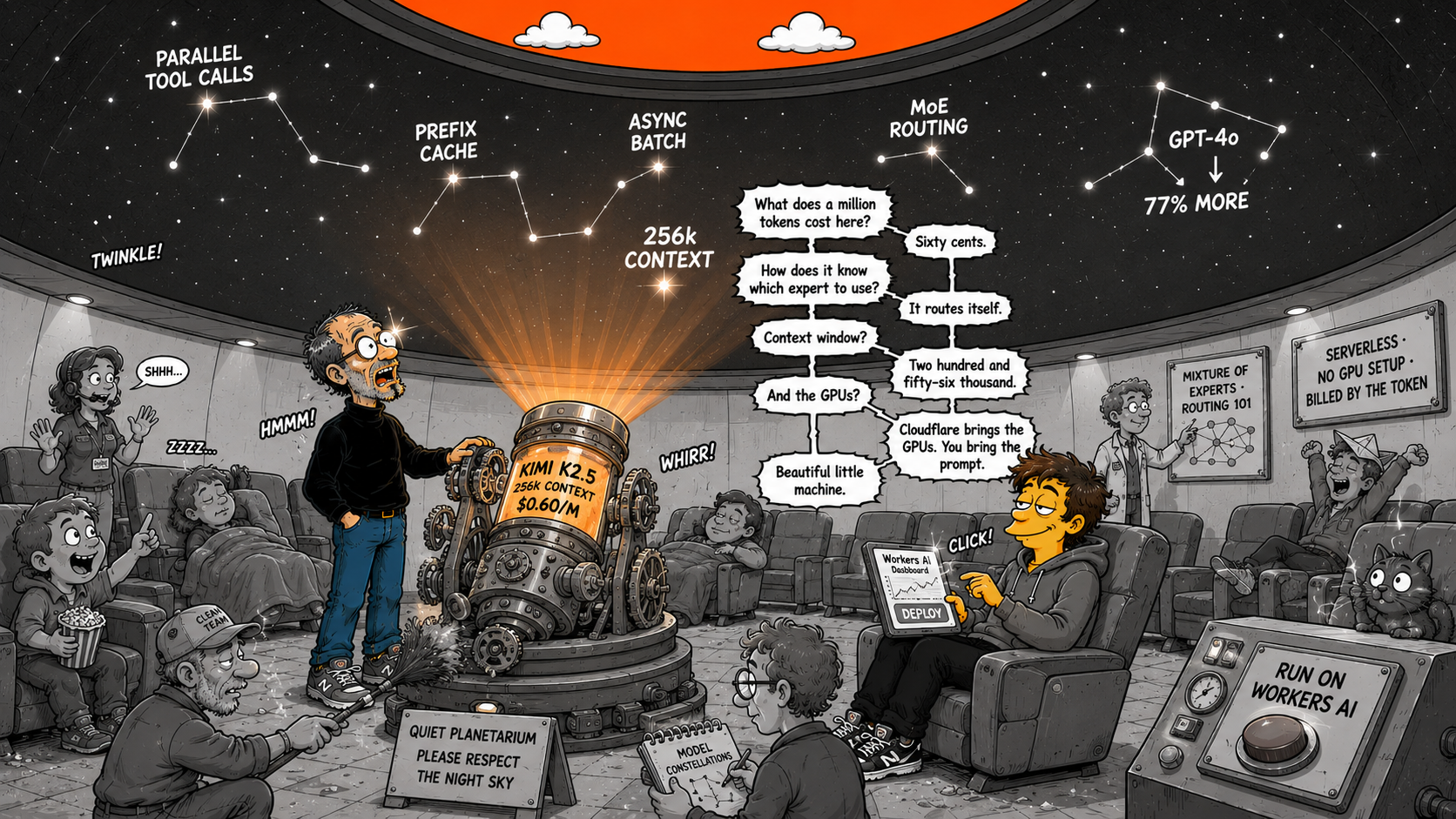
Kimi K2.5 on Workers AI: Frontier MoE for $0.60/M
Run Kimi K2.5 on Cloudflare Workers AI — 256k context, parallel tool calling, 77% cheaper than GPT-4o, with prefix caching and async batch.
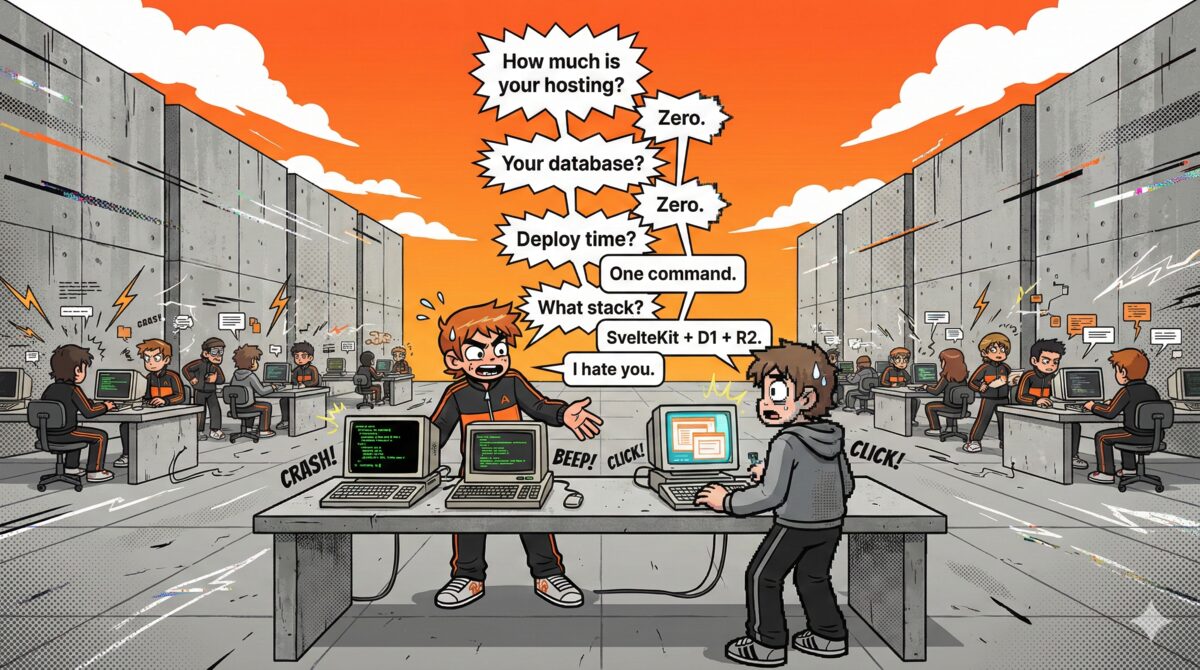
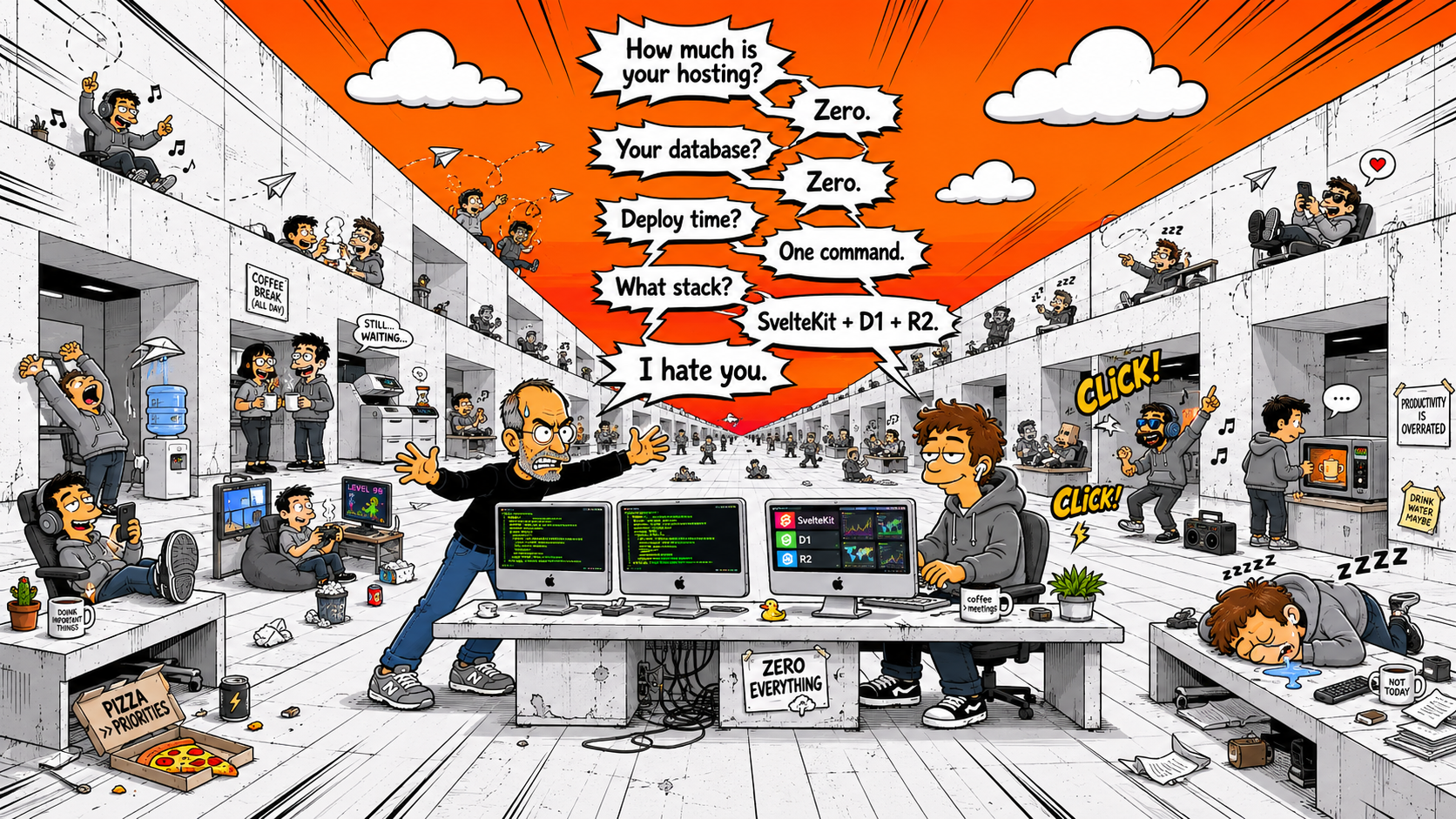
Build a Full-Stack App with SvelteKit + Cloudflare D1 for Free
Ship a SvelteKit app with Cloudflare D1 database, R2 file storage, and global CDN for $0/month — then browse your data visually with MyD1.
Getting Started with Cloudflare D1: A Visual Guide
Create, query, and manage a Cloudflare D1 database visually in 10 minutes — no terminal needed. Step-by-step with SQL examples.
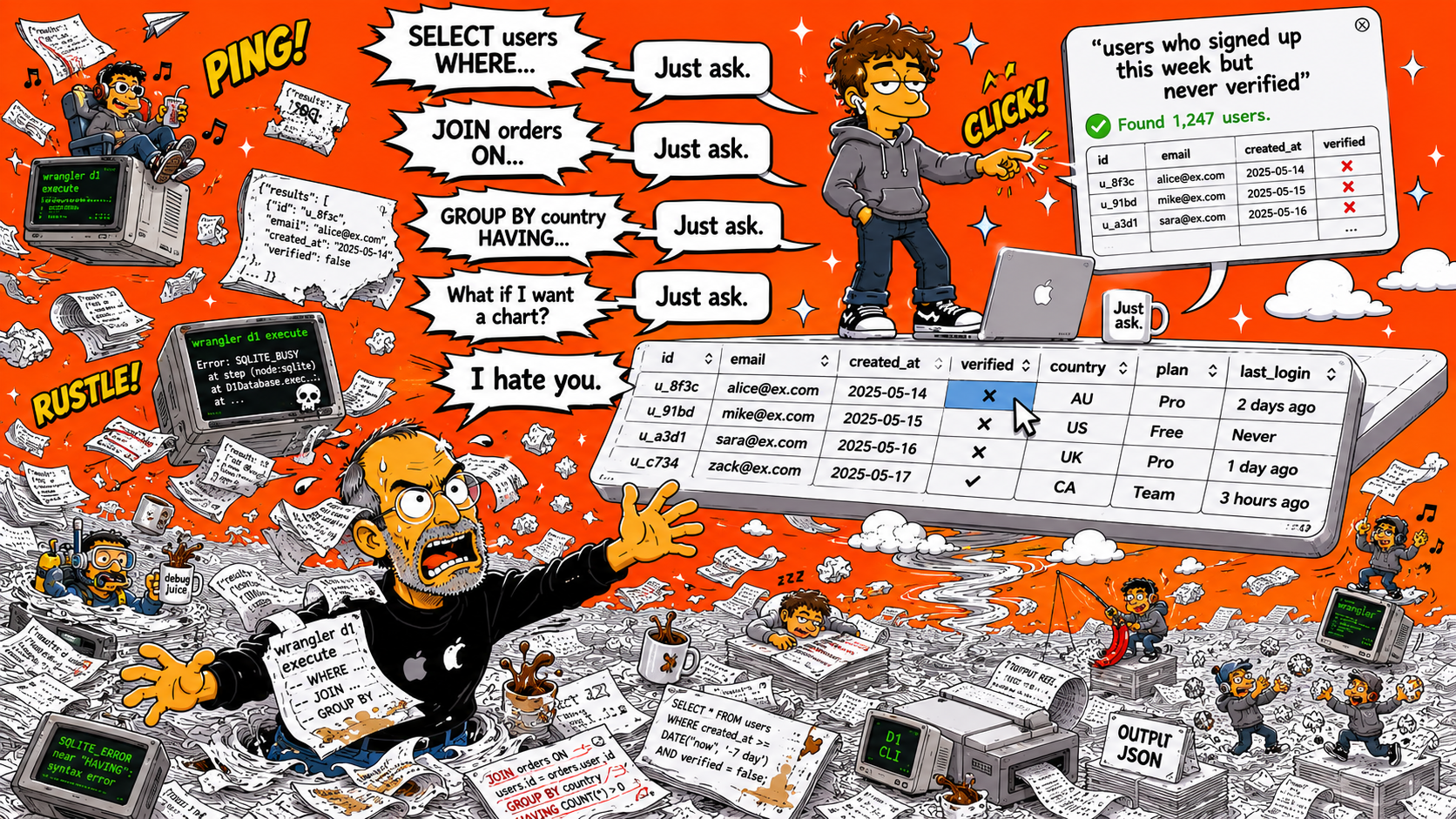
How to Browse and Query Your Cloudflare D1 Database Visually
A step-by-step walkthrough of browsing tables, running queries, and editing data in Cloudflare D1 using a visual database client.
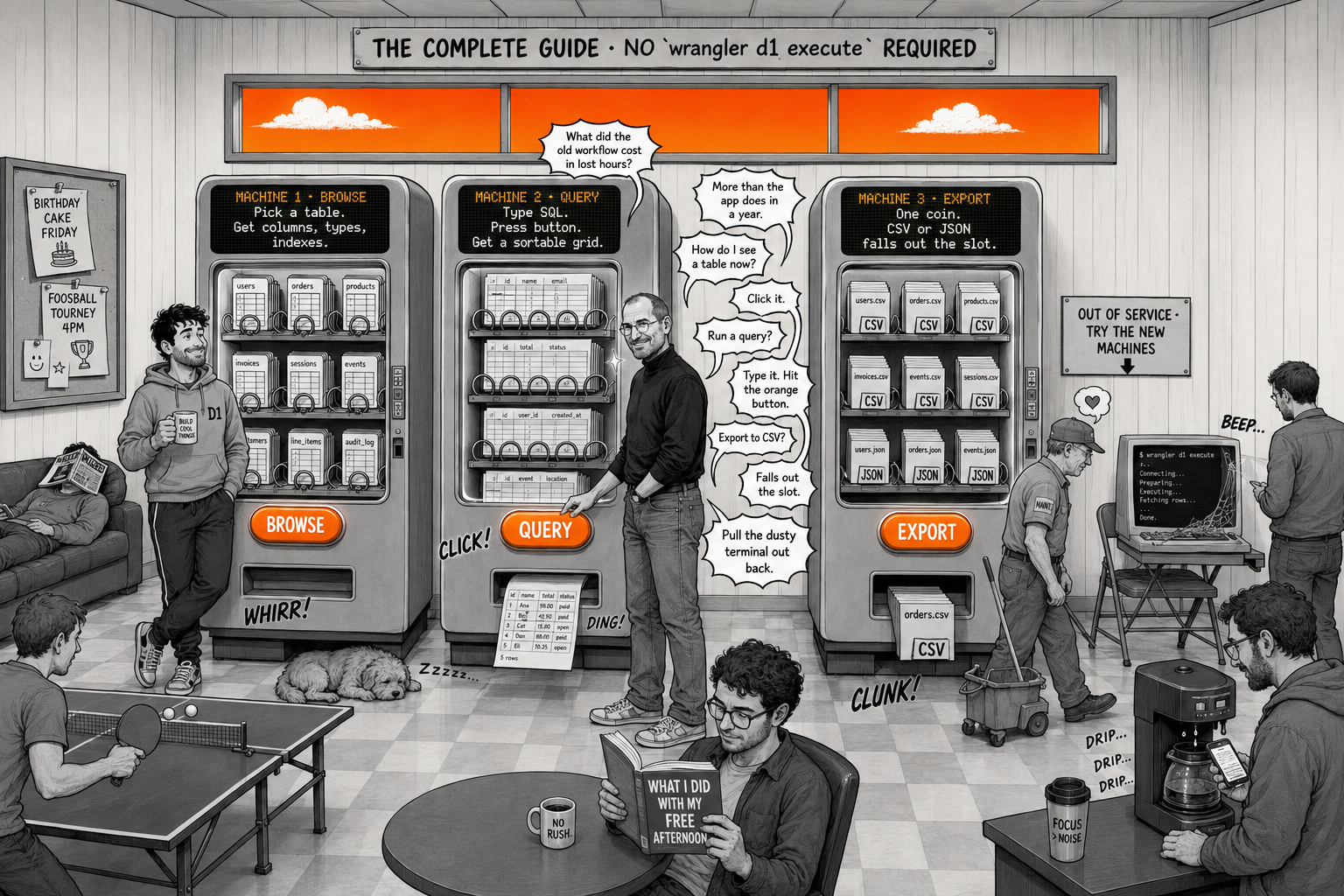
The Complete Guide to Managing Cloudflare D1 Without the Terminal
Stop wrestling with wrangler CLI commands. Here's how to browse, query, and manage your Cloudflare D1 databases visually on macOS.
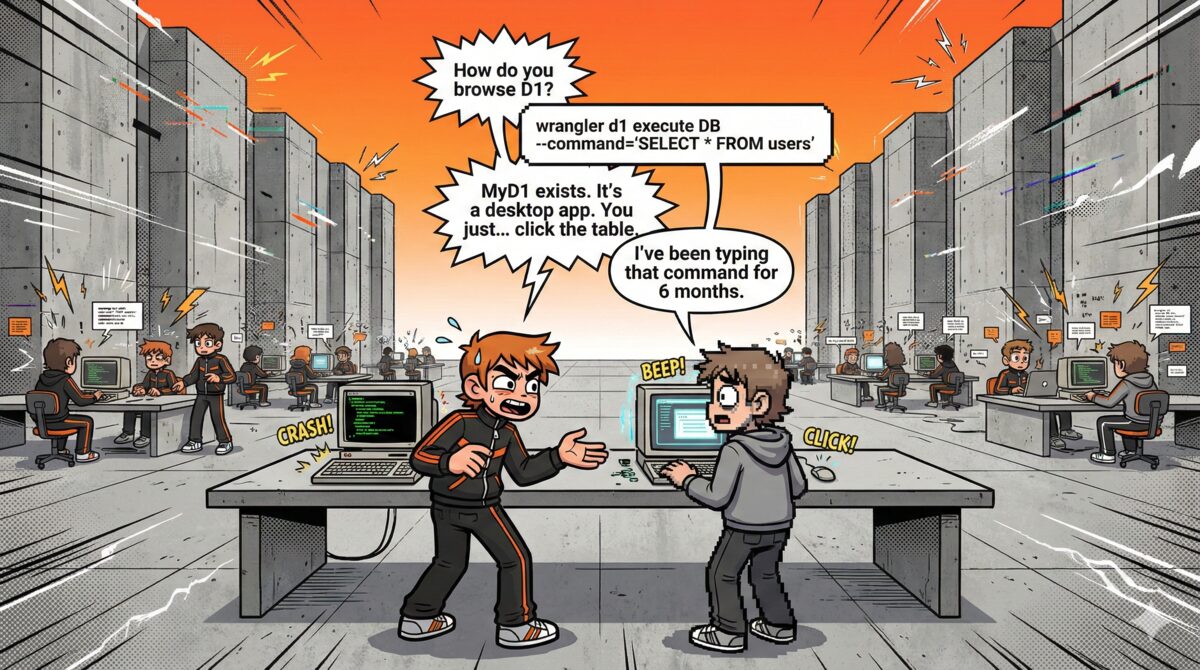
Why Cloudflare D1 Needs a Real Desktop Client
MyD1 gives Cloudflare D1 the native desktop client it deserves — fast table browsing, a real query editor, and an AI agent that writes SQL for you.