Kimi K2.5 on Workers AI: Frontier MoE for $0.60/M
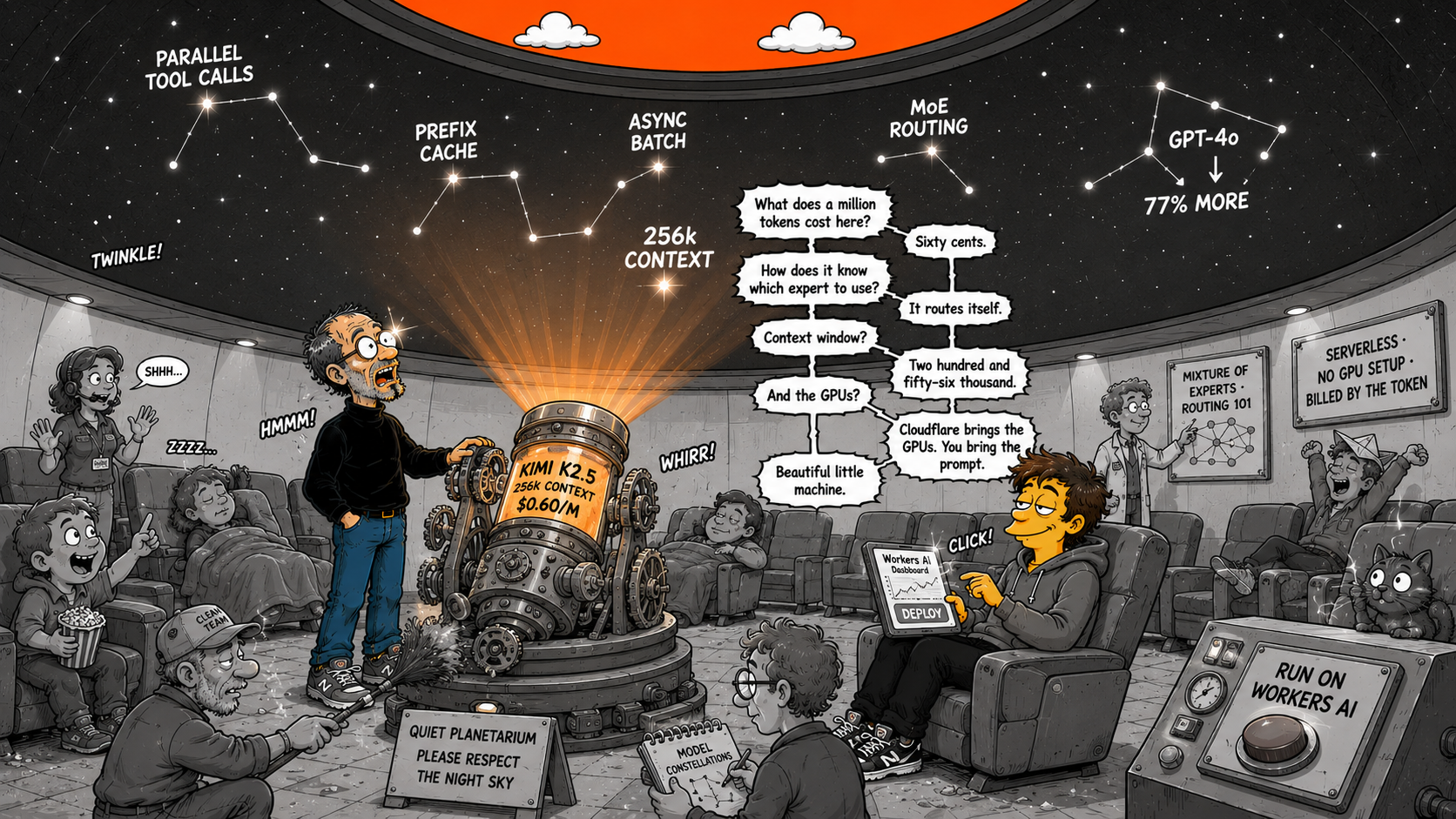
Kimi K2.5 Is Now on Cloudflare Workers AI
Moonshot AI's frontier open-source model — 256k context, parallel tool calling, vision — running at the edge for a fraction of GPT-4o pricing.
A frontier-scale MoE model with 256k context, multi-turn tool calling, and vision — now one API call away on Cloudflare's global network, at $0.60 per million input tokens.
| Feature | Detail |
|---|---|
| Model ID | @cf/moonshotai/kimi-k2.5 |
| Architecture | Mixture of Experts (MoE), open-source |
| Context window | 256,000 tokens |
| Input pricing | $0.60 / M tokens |
| Cached input | $0.10 / M tokens (83% discount) |
| Output pricing | $3.00 / M tokens |
| Tool calling | Multi-turn, parallel |
| Vision | Image inputs supported |
| Structured output | JSON mode + JSON Schema |
| Batch processing | Async API (pull-based) |
Cloudflare reports 77% cost savings running their own security review agent on Kimi K2.5 — processing 7 billion tokens per day and cutting projected costs from $2.4M.
What Is Kimi K2.5?
Kimi K2.5 is a frontier-scale large language model built by Moonshot AI. It uses a Mixture of Experts (MoE) architecture — the same design pattern behind models like Mixtral and DeepSeek — where only a subset of the model's parameters activate for each token, delivering high capability at lower inference cost.
The model is fully open-source and now available on Cloudflare Workers AI under the model ID @cf/moonshotai/kimi-k2.5. It ships with a 256,000-token context window — large enough to ingest entire codebases, lengthy documents, or multi-turn agent conversations without truncation.
Most agent loops accumulate context fast. Each tool call adds input, output, and reasoning to the conversation. With a 4k or 8k context window, agents hit the wall after a few turns and need summarization hacks that lose information.
With 256k tokens, a Kimi K2.5 agent can sustain dozens of tool calls — reading files, querying databases, calling APIs — without ever truncating its memory. Combined with multi-turn parallel tool calling, the model can invoke multiple tools simultaneously in a single turn, then reason over all results at once.
This is the kind of context depth that makes real agentic workflows viable — not toy demos, but production systems that chain ten or twenty steps without losing the thread.
Multi-Turn Tool Calling and Structured Output
Kimi K2.5 supports multi-turn tool calling with parallel tool use. You define tools in the standard OpenAI-compatible format, and the model can call multiple tools in a single response. After receiving the results, it reasons over them and decides on the next action — or returns a final answer.
It also supports vision inputs (image understanding) and structured outputs via JSON mode and JSON Schema. You can force the model to return a specific JSON shape — useful for building reliable pipelines where the output feeds directly into another system.
77% Cost Savings: Cloudflare's Own Numbers
Cloudflare doesn't just host the model — they use it internally. Their security review agent processes 7 billion tokens per day to automate code and configuration reviews. Before switching to Kimi K2.5 on their own infrastructure, the projected cost was $2.4 million.
By running the model on Workers AI with prefix caching, they achieved 77% cost savings — and the agent runs faster, because it avoids cross-network round trips to external API providers.
This is the advantage of running inference on the same platform that serves your application: no egress costs, no API gateway hops, no vendor rate limits.
Pricing
| Tier | Price per million tokens | Notes |
|---|---|---|
| Input tokens | $0.60 | Standard input pricing |
| Cached input | $0.10 | 83% discount via prefix caching |
| Output tokens | $3.00 | Generation pricing |
The cached input price is where the economics get interesting. If your agent uses a consistent system prompt or feeds the same document context across multiple calls, prefix caching drops your input cost to $0.10 per million tokens — an 83% discount on the already-low base price.
Prefix Caching and Session Affinity
Prefix caching works automatically when consecutive requests share a common prefix (system prompt, prior conversation turns). Workers AI caches the KV state for the shared prefix and reuses it, cutting both cost and latency.
To maximize cache hit rates in multi-turn conversations, set the x-session-affinity header. This routes requests from the same session to the same inference node, so the cached prefix is available locally instead of requiring a cache lookup across the network.
// REST API call with session affinity for prefix caching
const response = await fetch(
  'https://api.cloudflare.com/client/v4/accounts/{account_id}/ai/run/@cf/moonshotai/kimi-k2.5',
  {
    method: 'POST',
    headers: {
      'Authorization': 'Bearer {api_token}',
      'Content-Type': 'application/json',
      'x-session-affinity': 'session-abc-123'  // pin to same node
    },
    body: JSON.stringify({
      messages: [
        { role: 'system', content: 'You are a database optimization assistant.' },
        { role: 'user', content: 'Analyze this slow query...' }
      ]
    })
  }
);
Code Examples
Workers Binding
The simplest path: bind Workers AI in your wrangler.toml and call the model directly from your Worker. No API keys, no external HTTP calls — the binding handles auth and routing automatically.
// wrangler.toml
// [ai]
// binding = "AI"

export default {
  async fetch(request, env) {
    const response = await env.AI.run(
      '@cf/moonshotai/kimi-k2.5',
      {
        messages: [
          {
            role: 'system',
            content: 'You are a helpful assistant specialized in SQL optimization for SQLite and D1.'
          },
          {
            role: 'user',
            content: 'Rewrite this query to use a covering index: SELECT name, email FROM users WHERE created_at > date("now", "-7 days") ORDER BY created_at DESC'
          }
        ],
        max_tokens: 2048
      }
    );

    return Response.json(response);
  }
};
Async Batch Processing
For non-latency-sensitive workloads — bulk classification, document summarization, data extraction — the Async API lets you submit requests and poll for results. This is pull-based batch processing: you submit the job, get a task ID, and fetch the result when it is ready.
// Submit an async task
const task = await fetch(
  'https://api.cloudflare.com/client/v4/accounts/{account_id}/ai/run/@cf/moonshotai/kimi-k2.5',
  {
    method: 'POST',
    headers: {
      'Authorization': 'Bearer {api_token}',
      'Content-Type': 'application/json',
      'cf-aig-async': 'true'  // enable async mode
    },
    body: JSON.stringify({
      messages: [
        { role: 'user', content: 'Summarize the following 50-page document...' }
      ]
    })
  }
);

const { taskId } = await task.json();

// Poll for the result later
const result = await fetch(
  'https://api.cloudflare.com/client/v4/accounts/{account_id}/ai/tasks/{taskId}',
  { headers: { 'Authorization': 'Bearer {api_token}' } }
);
Now the Default in Agents SDK
Kimi K2.5 is now the default model in Cloudflare's Agents SDK starter template. When you scaffold a new agent with the SDK, it comes pre-configured with Kimi K2.5 — ready for tool calling, multi-turn reasoning, and structured output out of the box.
This signals where Cloudflare sees the model fitting: not just as another inference endpoint, but as the recommended brain for agent workloads on their platform.
The Full Agent Stack on One Platform
With Kimi K2.5 on Workers AI, Cloudflare now covers the entire agent lifecycle on a single platform:
| Layer | Cloudflare service |
|---|---|
| Inference | Workers AI (Kimi K2.5) |
| Agent framework | Agents SDK |
| Persistent state | D1 (edge SQLite) |
| Orchestration | Workflows |
| Compute | Workers + Dynamic Workers |
| Storage | R2 (zero-egress) |
| Caching | KV + prefix caching |
No cross-vendor API calls. No egress fees between services. No separate auth systems. The agent's brain (Kimi K2.5), memory (D1), and body (Workers) all run on the same global network.
AI-Powered Queries with MyD1
If you are running D1 databases alongside Workers AI, MyD1's built-in AI Agent helps you make advanced queries, optimize database performance, and discover insights you would never find without AI — all from a native macOS interface. Write a question in plain English, and the agent generates the SQL, explains the execution plan, and suggests indexes. Download MyD1.
When to Use Kimi K2.5 on Workers AI
Best for:
Agentic workflows with many tool calls, long-context document processing, code analysis over large repositories, multi-turn chat with persistent context, batch classification or extraction jobs via the async API, and any workload where you want to keep inference on the same platform as your data and compute.
Consider alternatives when:
You need the absolute highest reasoning capability regardless of cost (GPT-4o, Claude Opus), you require fine-tuning on custom datasets, or your workload is latency-critical below 100ms first-token and you need a smaller, faster model.
The Bottom Line
Kimi K2.5 on Workers AI is not just another model added to a catalog. It is a platform-level move — Cloudflare eating into the inference market the same way they ate into CDN, DNS, and serverless. The 256k context window, parallel tool calling, and prefix caching make it purpose-built for the agentic future. The 77% cost savings from their own internal use case prove it works at scale.
If you are building on the Cloudflare Workers stack, Kimi K2.5 is the obvious default for agent workloads. If you are evaluating inference providers, the combination of pricing, context length, and zero-egress platform integration is hard to beat.
Already running D1 databases? Download MyD1 to browse and query them visually — and let the AI Agent handle the complex queries for you.
Sources: Cloudflare blog announcement · Kimi K2.5 model documentation
Related: AWS EC2 vs Cloudflare Workers Stack · Which AI Model Writes the Best SQL for D1? · Build a Full-Stack App on Cloudflare for Free