AWS EC2 vs Cloudflare Workers Stack in 2026
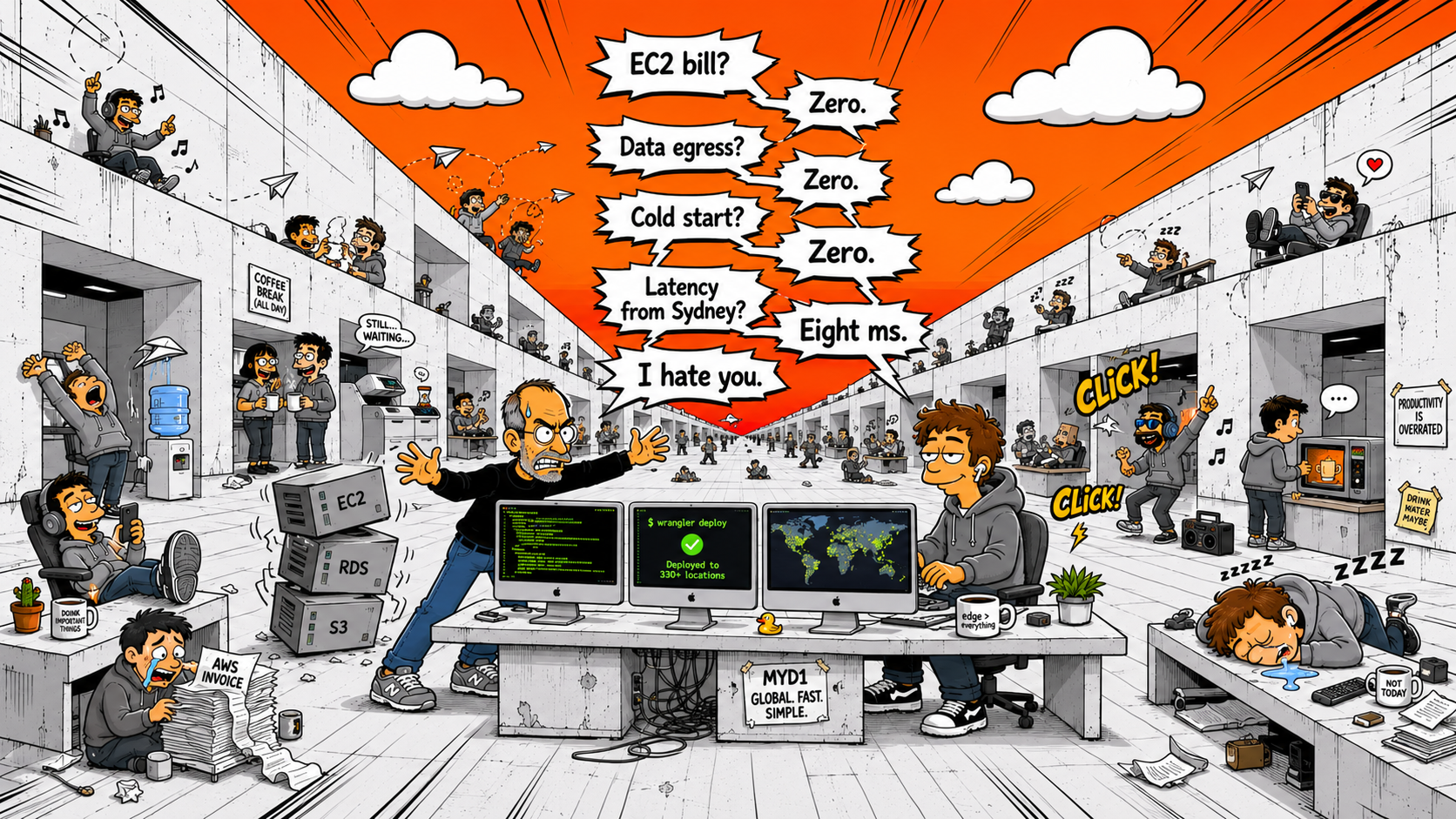
AWS EC2 vs The Cloudflare Workers Stack
A server in a datacenter vs code running everywhere. Same job, completely different results. Here's the full breakdown — cost, speed, DX, and who wins.
TL;DR — Which stack should you pick?
| AWS EC2 | Best for heavy compute (ML, video), enterprise compliance (HIPAA/FedRAMP), or deep AWS ecosystem integration. |
| Cloudflare Workers | Best for web apps, APIs, and SaaS — global by default, $0–5/mo, deploys in seconds. The better default for most projects in 2026. |
| Managing D1? | Use MyD1 to browse, query, and manage your Cloudflare D1 databases visually. |
What Is the "Cloudflare Workers Stack"?
Before we compare, let's define what we're talking about. The Cloudflare Workers Stack is a full-stack development platform made up of four core services that work together:
- Compute Workers — Serverless functions running on V8 isolates across 330+ edge locations worldwide. Your backend logic.
- Database D1 — Edge-native SQLite database. Your data, close to your users.
- Storage R2 — S3-compatible object storage with zero egress fees. Your files, images, assets.
- Hosting Pages — Static site hosting with automatic CI/CD from Git. Your frontend.
Together, these replace the entire AWS web stack: EC2 (or Lambda), RDS, S3, CloudFront, ALB, ACM, and Route 53. One platform, one dashboard, one CLI (wrangler), one bill.
Some developers call it the "Cloudflare edge stack" or simply "Workers + D1 + R2." Whatever you call it, the idea is the same: everything runs at the edge, close to the user.
- EC2 instance (or Lambda) in one region
- RDS / Aurora for your database
- S3 for file storage
- CloudFront as CDN
- ALB + ACM for load balancing & SSL
- Route 53 for DNS
- CloudWatch for monitoring
- IAM for permissions
- Workers for compute (330+ locations)
- D1 for your database (edge SQLite)
- R2 for file storage ($0 egress)
- Pages for static hosting
- CDN, SSL, DDoS — all automatic
- DNS built-in (fastest in the world)
- One CLI:
wrangler - One dashboard, one bill
The Comparison: 8 Categories
This is the biggest difference between the two stacks. AWS runs your code in one region. Cloudflare runs it in 330+ locations. For a user in Sydney hitting a server in Virginia, that's the difference between 50ms and 400ms.
AWS EC2: Single-region. Cold starts of 200ms–1.5s on Lambda. Database round-trips add 20–80ms per query. Multi-region requires complex, expensive architectures.
Cloudflare Workers: Global by default. Sub-millisecond cold starts thanks to V8 isolates (no container spin-up). D1 reads are edge-local. No multi-region engineering needed — it's fast everywhere out of the box.
AWS pricing is notoriously complex and unpredictable. EC2, data transfer, RDS, S3, CloudFront, Route 53 — every service has its own billing model. A simple web app easily costs $50–200/month on AWS.
The Cloudflare Workers Stack has a generous free tier (100K requests/day, 5M D1 reads/day, 10GB R2) and a $5/month paid plan that covers most production apps. The biggest cost saver? Zero egress fees on R2.
AWS: Setting up a production web app means configuring VPCs, subnets, security groups, IAM roles, load balancers, certificate managers, and CloudFormation or Terraform templates. Experienced AWS engineers spend days getting this right.
Cloudflare: Write your code. Run npx wrangler deploy. Done. Your app is live globally with SSL, DDoS protection, and CDN — all automatic. Local development with wrangler dev emulates D1 and R2 on your machine. See the full setup tutorial.
AWS RDS / Aurora gives you PostgreSQL, MySQL, or SQL Server with decades of ecosystem support. It handles massive write loads, complex joins, stored procedures, and enterprise compliance. If you need a heavy relational database, AWS wins here.
Cloudflare D1 is SQLite at the edge. It's perfect for web applications, SaaS products, APIs, and content-driven sites. Reads are incredibly fast because data lives close to compute. For most web apps, D1 is more than enough — and it's free up to 5GB. Detailed D1 vs MySQL vs PostgreSQL comparison.
Use MyD1 to browse and query your D1 databases visually — no terminal needed.
S3 and R2 are functionally similar — R2 even uses the S3-compatible API, so migration is straightforward. The difference is cost. S3 charges $0.09/GB for egress. R2 charges $0. If your app serves files to users (images, documents, downloads), R2 saves you real money every month.
Storage pricing is similar ($0.015/GB for R2 vs $0.023/GB for S3), but the egress savings make R2 the clear winner for user-facing applications.
AWS EC2: You manage scaling. Auto-scaling groups, load balancers, health checks, capacity planning. Or you use Lambda and accept the cold starts. Either way, you're thinking about infrastructure.
Cloudflare Workers: Scaling is invisible. Each request runs in an isolate. There's no concept of "instances" or "concurrency limits" to worry about. A single deploy handles 1 request or 1 million — the edge handles it.
AWS: Security is your responsibility. Misconfigure a security group? Public S3 bucket? Exposed RDS port? That's on you. AWS has great security tools, but you have to configure all of them correctly.
Cloudflare: There's no server to misconfigure. No ports to open. No SSH access to secure. Workers run in sandboxed V8 isolates with no filesystem access. DDoS protection is automatic and unmetered. WAF rules are managed. The attack surface is dramatically smaller.
This is where AWS still has a clear advantage. 200+ services, a massive talent pool, decades of enterprise adoption, extensive documentation, and integrations with everything. If you need SQS, Step Functions, Kinesis, SageMaker, or Redshift — only AWS has that breadth.
Cloudflare's ecosystem is growing fast (Workers AI, Queues, Durable Objects, Hyperdrive, Vectorize) but it's still focused on web application workloads. For general-purpose cloud computing, AWS remains broader.
The Scorecard
| Category | AWS EC2 Stack | Cloudflare Workers Stack | Winner |
|---|---|---|---|
| Performance | Regional, 200ms+ cold starts | Global, <1ms cold starts | Cloudflare |
| Cost | $50–300/mo typical | $0–5/mo typical | Cloudflare |
| Developer experience | Complex, weeks to set up | Simple, minutes to deploy | Cloudflare |
| Database | PostgreSQL/MySQL, enterprise-grade | Edge SQLite, fast reads | Depends |
| File storage | S3 ($0.09/GB egress) | R2 ($0 egress) | Cloudflare |
| Scaling | Manual / auto-scaling config | Automatic, invisible | Cloudflare |
| Security | Powerful but complex | Secure by default | Cloudflare |
| Ecosystem breadth | 200+ services, massive | Focused, growing fast | AWS |
When to Choose What
Choose AWS EC2 when:
You need heavy compute (ML training, video transcoding), specific compliance requirements (HIPAA, FedRAMP), enterprise integrations (SQS, Step Functions, Kinesis), or you're already deep in the AWS ecosystem with a DevOps team that knows it well.
Choose the Cloudflare Workers Stack when:
You're building a web application, API, or SaaS product. You want global performance by default. You want simple deployment. You want predictable (or zero) costs. You want to focus on code, not infrastructure. You're a solo developer, startup, or small team. Get started for free.
The Trend Is Clear
The web is moving to the edge. The regional server model that AWS pioneered in 2006 solved the problems of that era. But today's users expect instant loads from anywhere in the world, and the Cloudflare Workers Stack delivers that out of the box — at a fraction of the cost.
For most web applications in 2026, the Cloudflare Workers Stack isn't just an AWS alternative. It's a better default.
Ready to make the switch? Read our migration guide. Already on D1? Download MyD1 to manage your databases without the terminal.
Related: Why AWS Is So Slow · Migrate from AWS EC2 to Cloudflare · Cloudflare Has Won Every Battle · Cloudflare vs Vercel